Up next, filtered
The side list and end screen only show approved channels and approved videos.
Allow-list-only YouTube for kids
Every channel and every video starts blocked. You approve the channels and single videos you trust, and that's all your kids can see. It still feels like YouTube: up next and autoplay only pick from your list.
Illustration: a wall of video thumbnails, all locked and greyed out, except a handful on your allow list that light up.
How it works
SlopBlock doesn't try to guess what's bad. Nothing plays unless it's on your list, so there's nothing for the algorithm to sneak in.
Trust a whole channel? Allow the channel. Only like one video? Allow just that video and nothing else from the channel.
Their home screen, up next and autoplay are filled only with approved videos. Everything else stays locked.
Watching
When a video ends, kids still get the up-next list and the autoplay countdown they're used to. Every suggestion comes from your allow list.
The side list and end screen only show approved channels and approved videos.
The countdown to the next video stays. It just can't count down to anything you didn't allow.
Ads are stripped out before they load, so they don't pop up mid-video.
Comments and live chat are gone. Kids don't need them.
Grown Ups Mode
Enter your parent PIN and SlopBlock turns into regular, ad-free YouTube. Search and browse like you normally would. When you find something good, long-press it and pick Allow Channel or Allow Video. It's on the kids' list right away.
Try it: press and hold the video (or press Enter).
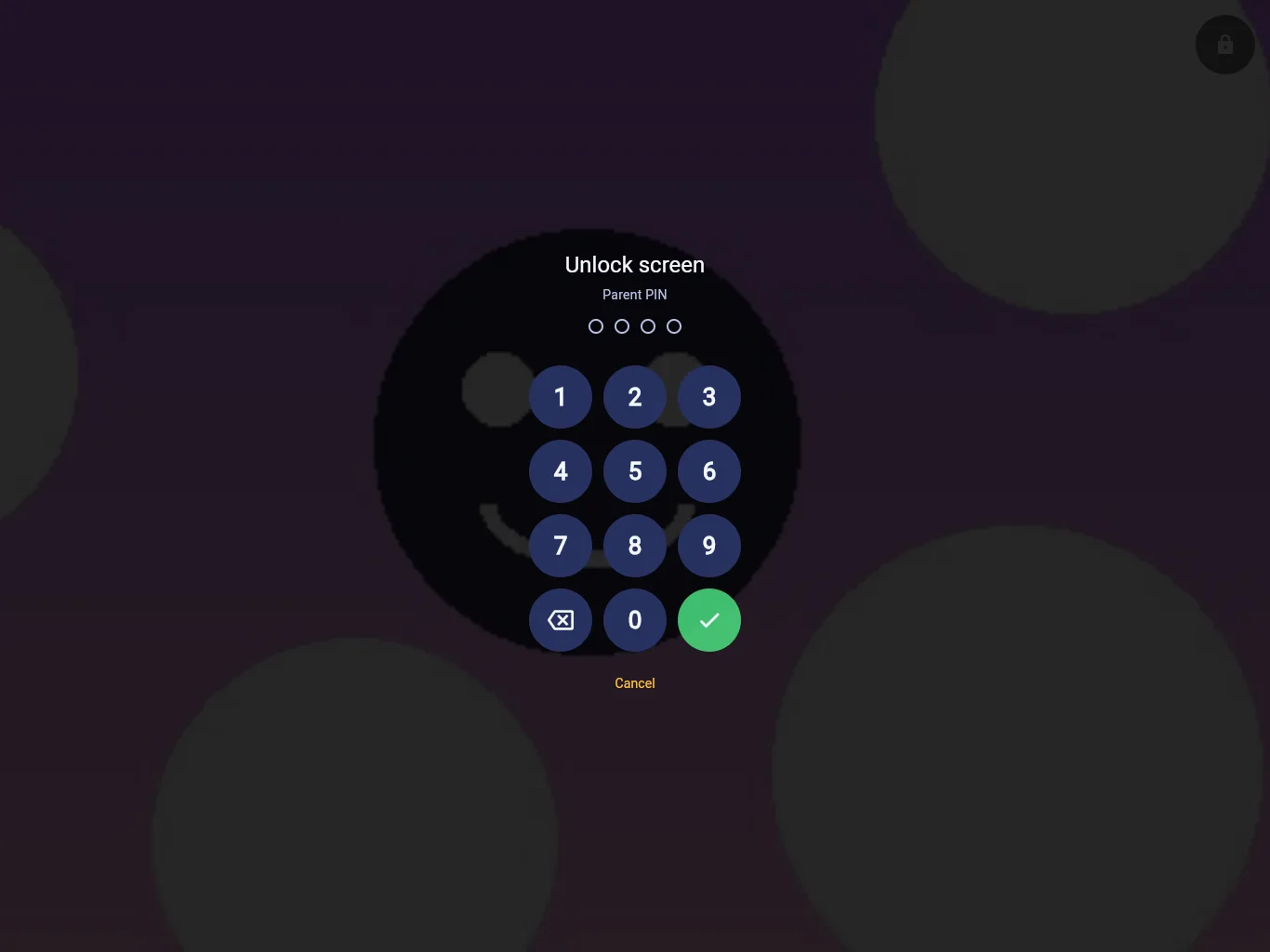
Screen lock
A TouchLock-style screen lock keeps little hands inside SlopBlock. Settings and the allow list sit behind your parent PIN.
Devices
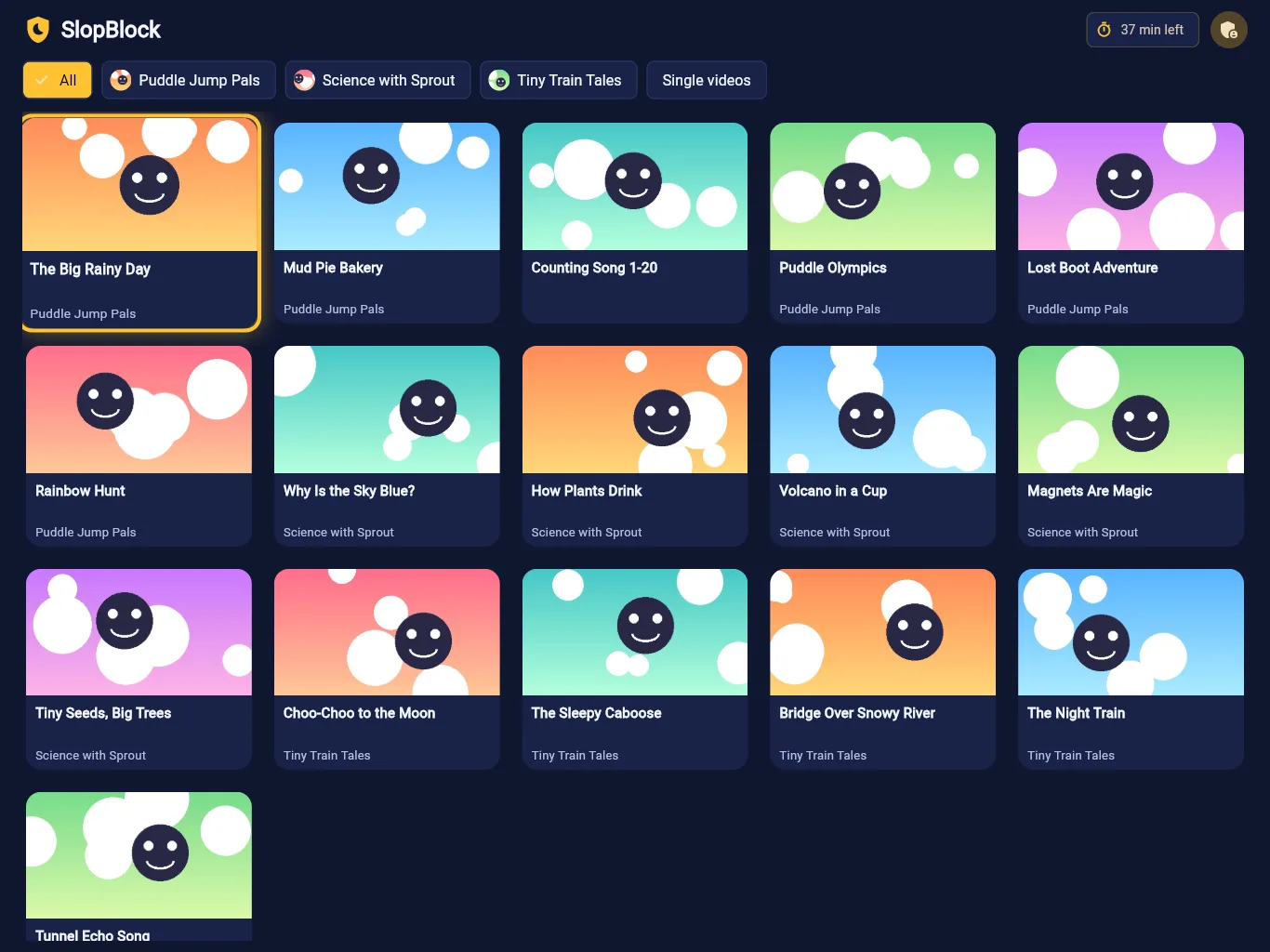
Big, tappable tiles designed for small hands, in portrait or landscape.
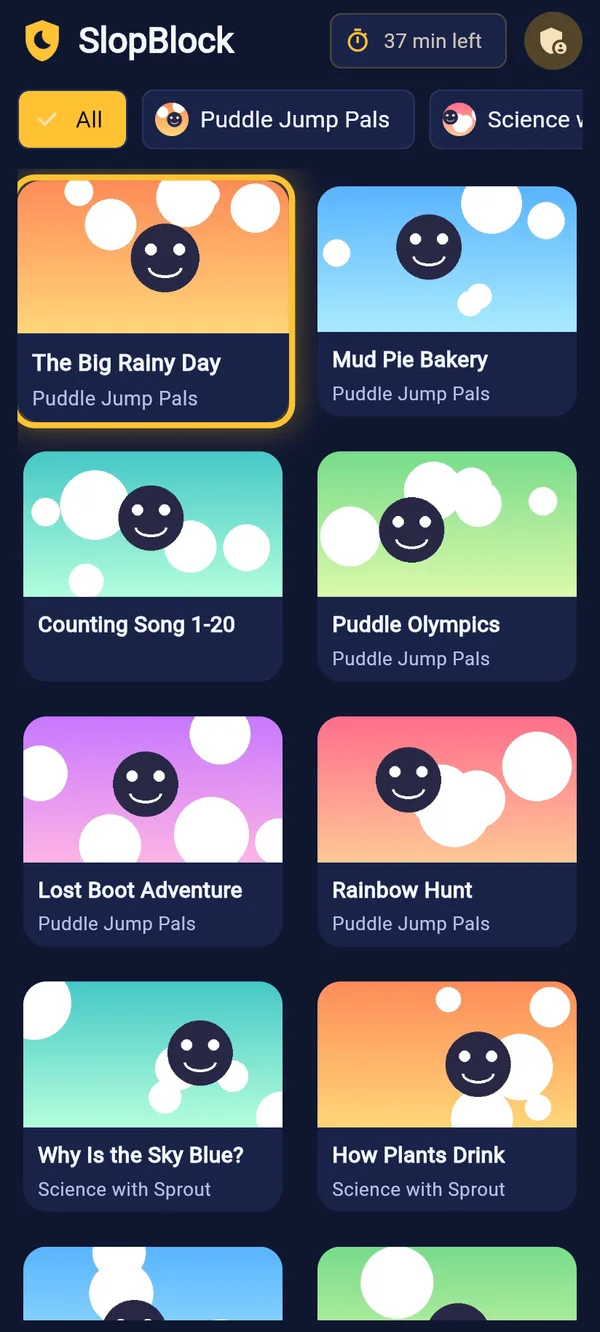
The same allow list and the same lock on Android and iPhone.
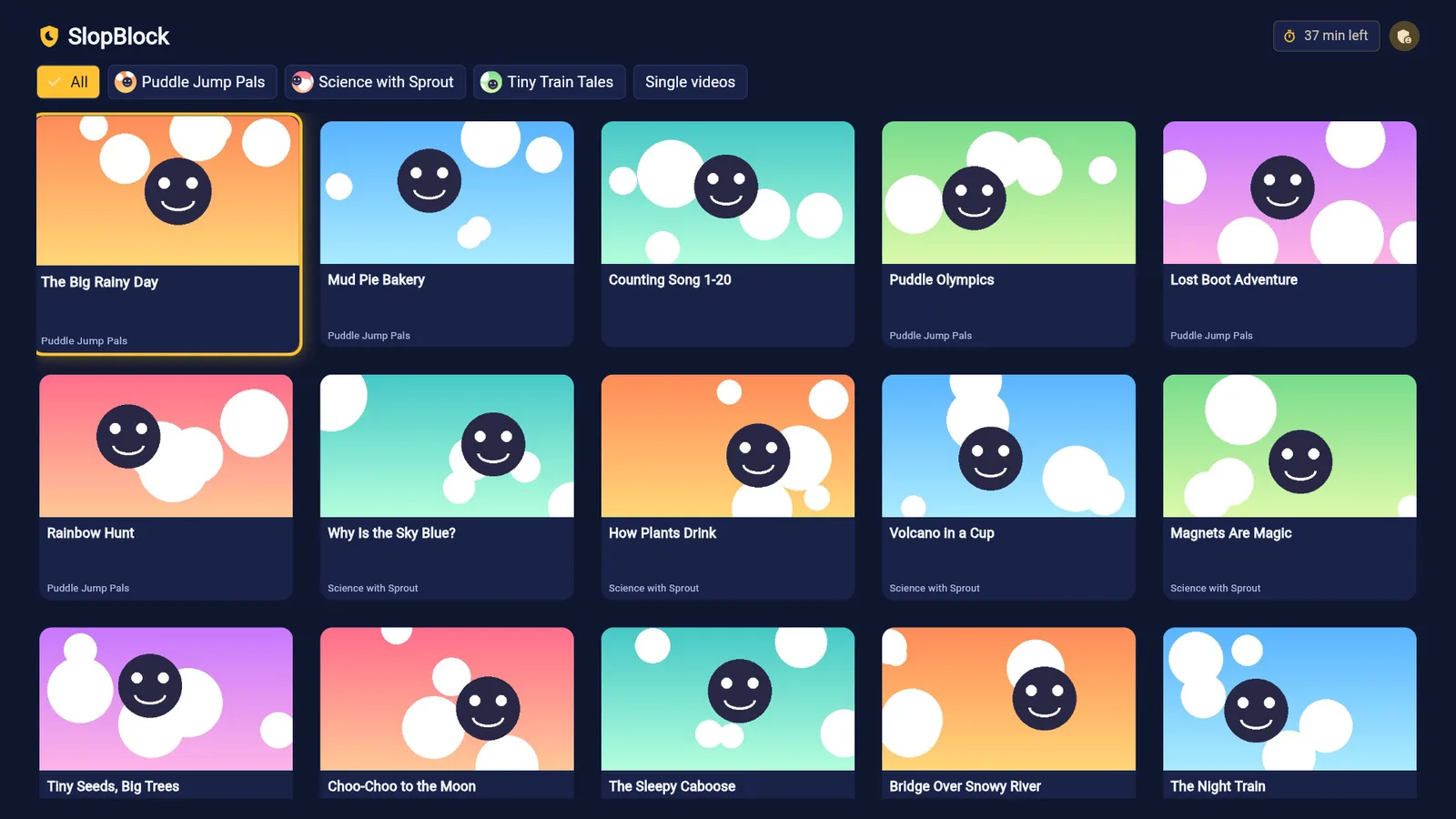
A remote-friendly app for the living room. Hold OK to allow in Grown Ups Mode.
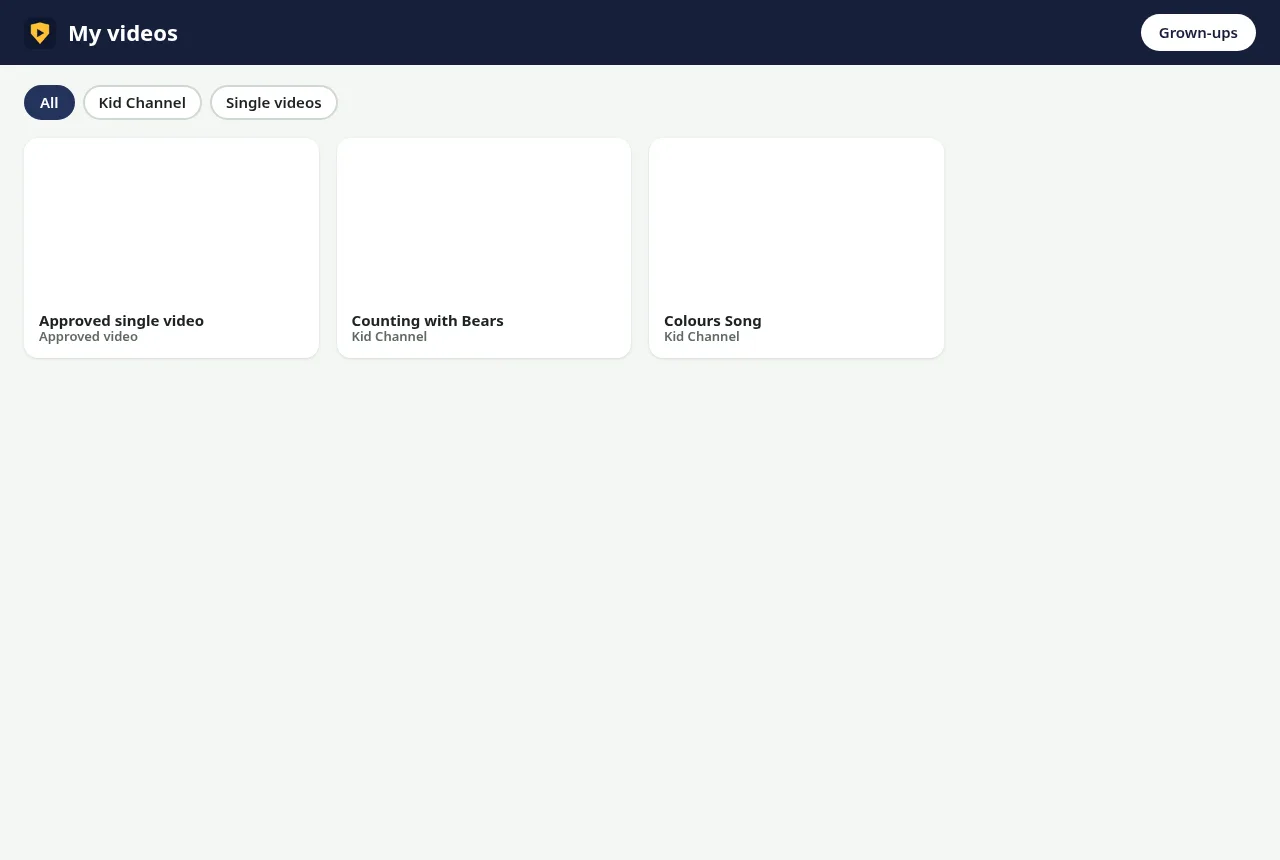
A browser extension for laptops and desktops. Right-click to allow in Grown Ups Mode.
Pricing
$2.99/ device
Every feature on every device you put it on.
Yes. SlopBlock is deny-by-default. A channel or video only plays if it's on your allow list. There's no "safe" category for something to slip through.
Yes. Allow Video adds just that video. Allow Channel adds everything from that channel.
The same thing as on YouTube: an up-next list and an autoplay countdown. Both only pick from approved channels and approved videos.
Switch to Grown Ups Mode with your parent PIN. It's normal YouTube without ads, so you can search and browse, then long-press (or right-click, or hold OK on TV) to allow.
No. Ads are blocked and comments and live chat are removed in kid mode.
Each tablet, phone, TV or browser you install SlopBlock on is $2.99.